 Samsung M13 5G M136B Remove Lock Screen Without Data Loss
$ 10,00
$ 10,00
Watch more screen unlocking videos on the Telegram channel.👇👇👇👇
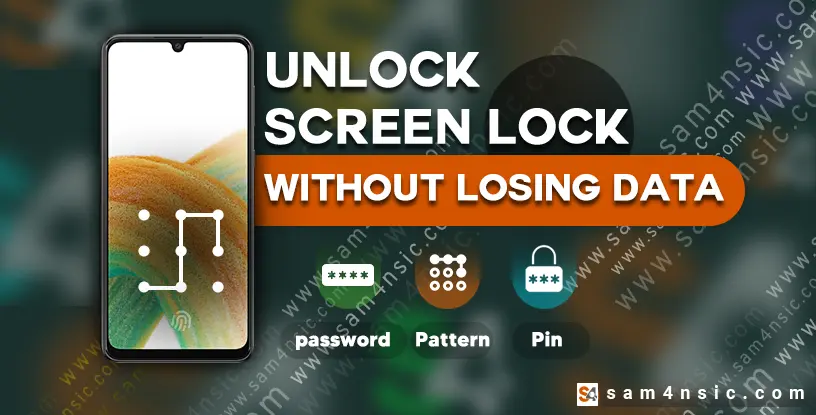
Here, we present a secure and simple method to remove the lock screen from the Samsung M13 5G (M136B) without losing any data. This solution allows you to eliminate PINs, passwords, and even fingerprints.
Previously, it was only possible to do this using a TWRP file, which came with the risk of data loss and was only applicable to Android versions 7 and 8. However, now with this dedicated software and activation license, you can easily remove the lock on the M13 5G, even on Android 13.
Additionally, this software can also be used to unlock the screen lock on other mobile devices. This simple and secure method lets you quickly remove the lock from your Samsung M13 5G without damaging your data.
How is the M13 5G Lock Unlocked?
The method of unlocking the M13 5G is quite interesting and unique. First, the software takes a complete backup of the phone and then searches within that backup for the phone’s password, extracting it while the device is locked. Therefore, there’s no risk of data loss.
Watch the video below to see how to unlock your phone using software👇👇👇
See more videos on Telegram channel
Is there any risk of data loss with this M13 5G lock unlocking method?
No, there is absolutely no risk of losing data on the M13 5G. This is because the software searches for the phone’s password within the backup it created.
What types of locks can be unlocked using this method?
This method can unlock various types of locks, such as PINs, patterns, and passwords that include letters and numbers. Patterns can have up to 9 digits, PINs can have up to 8 digits, and passwords can include both letters and numbers. However, due to the complexity of a letter-number password, you need to remember one of these elements, such as only numbers or only letters, for the software to search for.
Conditions and Specifications for the Samsung M136B (M13 5G) Lock Removal Guide:
Remove the lock screen from the Samsung M13 5G without the risk of data loss
Video tutorial provided (sample video showing from 0% to 100% of the lock removal process).
No data loss from apps.
Test point connection required.
It doesn’t matter if FRP and OEM are enabled or disabled.
Supports technical models (SM-M136B, SM-M136B/DS, SM-M136BR/DS, SM-M136BR, SM-M13 5G6U, SM-M13 5G6U1).
This software is not single-use and has been tested multiple times on this model.
The license for this software is permanent.
To receive the software link and more information, please message our support team on Telegram
By purchasing this tutorial file, not only will you learn how to unlock your Samsung M13 5G, but you will also receive a special program along with an activation license, allowing you to remove the lock screen from 70% of Android devices. For some models, a test point connection is needed. This software is fully guaranteed and can be used for most phones.
</div
To receive the software link and more information, please message our support team on Telegram
Samsung M13 5G M136B Remove Lock Screen Without Data Loss
Reviews
There are no reviews yet.